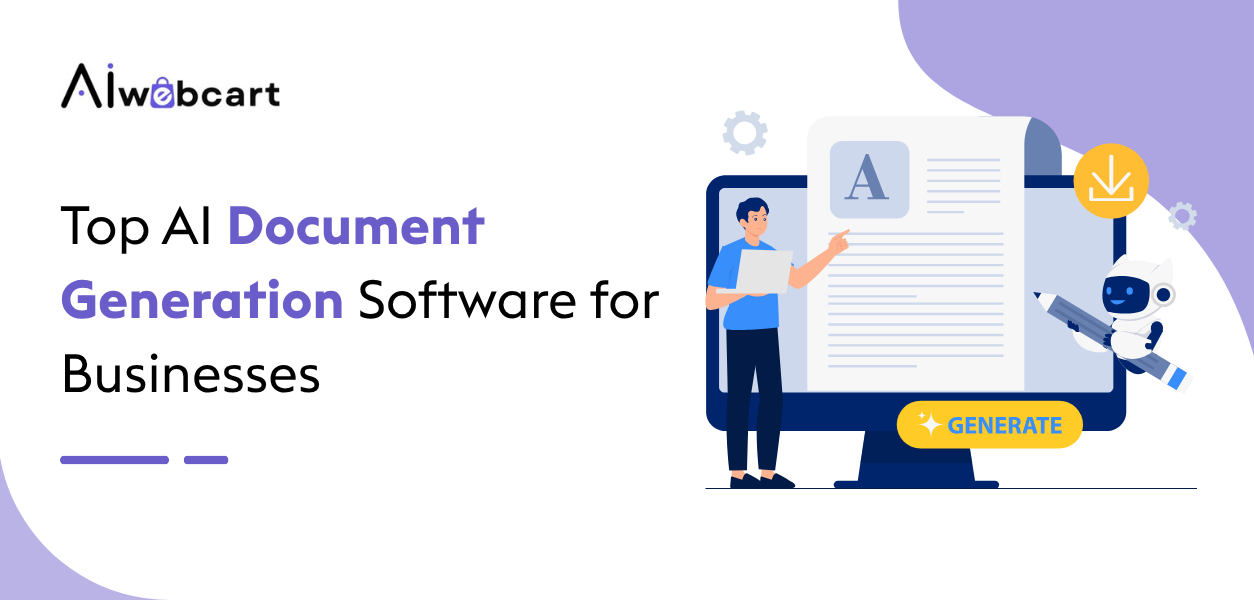
All businesses create documents all day long proposals, contracts, HR documents, reports, invoices and doing this manually means losing many hours in work that could be done otherwise. The use of AI document creation software eliminates this time loss by creating branded documents from data extracted from your CRM, HR systems, or other forms in seconds, not hours.
This article presents a review of the top five document creation tools powered by artificial intelligence for companies in 2026: PandaDoc, Templafy, Formstack Documents, Gamma, and Conga Composer.
Quick Overview
Each software fills a different need for document generation. PandaDoc is the all-rounder, Templafy works well for enterprise branding, Formstack provides no-code automation, Gamma makes AI-powered visual content, and Conga Composer helps create workflows using Salesforce.
| Tool | Best For |
|---|---|
| PandaDoc | Sales & HR documents |
| Templafy | Enterprise brand management |
| Formstack Documents | No-code document automation |
What Is AI Document Generation Software?
Generating a document through artificial intelligence software helps organizations create professional-looking documents easily through the use of templates, business data, automation, and AI document creators. AI software for document generation helps in creating the content based on prompts, data extracted from CRMs and databases, keeping templates, and carrying out digital processes such as approvals, tracking, and electronic signatures. Automated document creation software is employed by organizations for automating recurring processes such as proposal creation, contract signing, and reporting.
Why Businesses Use AI Document Generation Tools
Document automation software is used in business to cut back on time taken and eliminate repetitive paperwork. Rather than creating each document individually by hand, one can create a template for the document and use current information to create a document automatically in just a few seconds.
How We Evaluated These AI Document Tools
These platforms were compared based on their document creation abilities, level of artificial intelligence features, templates customization, automation capabilities, CRM and other business integration, collaboration tools, security and compliance, and pricing clarity, using 2026 vendors’ pricing pages and reviews on sites such as G2, Capterra, and Vendr.
Top AI Document Generation Software Compared
| Software | Best For | Key Strength | Starting Price |
| PandaDoc | Sales proposals and contracts | Strong CRM integrations and e-signature tracking | Free plan; Starter from $19/user/month |
| Templafy | Enterprise brand governance | Centralised, compliant templates across Microsoft 365 | Custom quote (roughly $12–50/user/month) |
| Formstack Documents | No-code document automation | Form-to-document merging with broad integrations | From ~$99–110/month (flat rate) |
| Gamma | Visual AI-generated documents | Prompt-based generation of decks, docs, and web pages | Free plan; Plus from $8–10/month |
| Conga Composer | Salesforce document automation | Deep CRM data merging for complex documents | Custom quote (Salesforce AppExchange pricing) |
Templafy and Conga Composer are both quote-based enterprise tools always confirm current numbers directly with the vendor, since pricing depends heavily on seat count and deployment complexity.
5 Top AI Document Generation Software
1. PandaDoc
Rating: 4.5/5
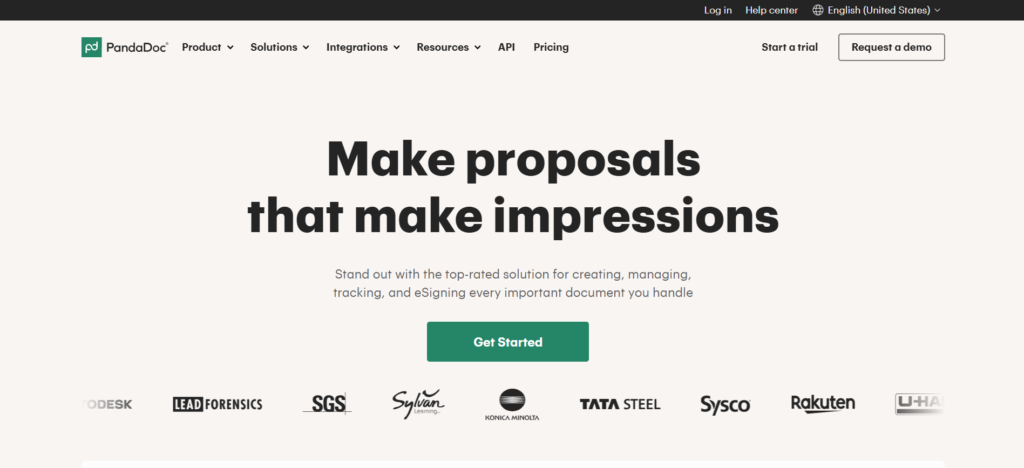
PandaDoc App Description: It is an app used for creating proposals, quotes, contracts, and onboarding forms. It is tailored to be used by sales and human resource departments only. It uses custom templates as well as document tracking, so one can see whether the document was opened, viewed, or signed. It is connected to popular CRMs, such as Hubspot or Salesforce, so the document can be automatically populated with information about the deal.
PandaDoc is a perfect solution for small and medium sales and HR teams which need a one solution for creating, sending, and signing documents without implementing CLM solutions. In larger companies with intricate document governance needs, PandaDoc will be eventually considered more sales-oriented than enterprise CLM.
Key Features
- Proposal, quote, and contract templates that can be customised
- Legally binding digital signatures with audit trail
- Document tracking and analytics in real time
- CRM software integration (Salesforce, Hubspot, Pipedrive)
- Approval workflows and clauses library
Pros:
- Strong CRM integrations for sales-driven document workflows
- Real-time tracking shows exactly how recipients engage with documents
- Free plan that is actually functional for basic electronic signature requirements
- Drag-and-drop template builder
Cons:
- CRM integrations are locked behind the Business tier and above
- Free plan caps out at 5 documents per month (60/year)
- Add-ons like API access, bulk sending, and notarization cost extra
- Not a full contract lifecycle management (CLM) platform for complex legal workflows
Pricing:
- Free: $0 USD
- Starter: $19/seat/month
- Business: $49/seat/month
- Enterprise: Custom pricing
2. Templafy
Rating: 4.3/5
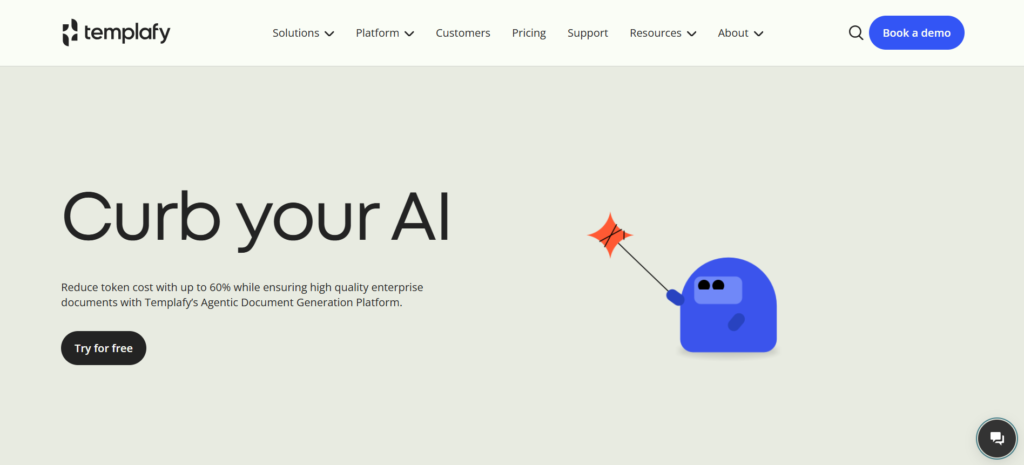
The Templafy software tool is meant for the purpose of document enablement which aims at solving a different kind of challenge as compared to most of the other tools in this list; it ensures that all documents, whether Word, PowerPoint, Excel, or even emails, are compliant and in line with company standards. Unlike other solutions that allow for document generation, Templafy allows for approval of templates and assets to be stored within Microsoft 365 and Google Workspace.
Templafy would be perfect for big companies, as their clients consist of companies like KPMG, NTT, and Deloitte, in industries where there are many regulations to consider. If there are inconsistencies in branding or legal language, there could be serious compliance issues. In cases where small and newly founded companies have no use for any document governance tool, then Templafy wouldn’t be suitable for them.
Key Features
- Library of centrally maintained, brand consistent templates
- Integration with MS 365 and Google Workspace
- Managed AI for compiling sales proposals from Salesforce data
- Content governance and compliance controls
- Analytics on template usage across the organisation
Pros:
- Strong brand and compliance governance at enterprise scale
- Deep, native integration into Microsoft 365 workflows
- Trusted by large enterprises in regulated industries
- Centralises content so employees always use approved assets
Cons:
- No public pricing requires a custom sales quote
- No free trial available
- Premium pricing makes it a poor fit for smaller teams
- Implementation typically requires IT involvement and onboarding time
Pricing:
- Individual: Free
- Team: $40/user/month
- Enterprise: Custom pricing
Bonus Read: Best AI Design Tools for Beginners
3. Formstack Documents
Rating: 4.7/5
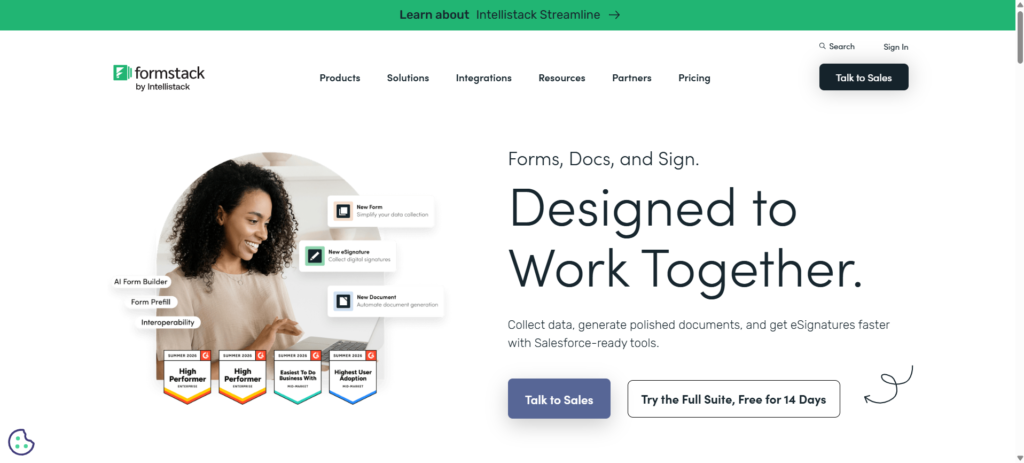
FormStack Documents is an automated document application which can automate the creation of professional documents in PDF, presentations, Word files or even spreadsheet forms without using any coding, through the extraction of data from forms, CRMs, and databases.
Formstack Documents is suitable for operations, HR, and legal departments managing repetitive, data-driven document processes like creating contracts, invoices, or case files based on form submission and/or CRM data. The no-code nature of this solution makes it easy to use by non-technical teams, although a few users find its pricing structure more complex than flat-rate solutions in the market.
Key Features
- No-code, form-to-document data merging
- Dynamic templates for DOCX, PPTX, PDF, and CSV output
- Condition-based logic and automatic data flow
- Integration with Salesforce, Zapier, and all digital signature providers
- Enterprise-grade security for sensitive document data
Pros:
- Genuinely no-code, accessible to non-technical teams
- Broad integration options via open API and Zapier
- Reduces manual errors in repetitive, data-driven documents
- Strong ratings for automation depth and reliability
Cons:
- Pricing structure and document count limits can feel confusing
- Entry-level plans are relatively expensive compared to PandaDoc
- Less suited to freeform, AI-generated creative content
- Some advanced features require custom or higher-tier plans
Pricing:
- Forms: Starting at $83/month
- Suite: Starting at $250/month
- Salesforce Solutions: Custom pricing
- Enterprise Solutions: Custom pricing
4. Gamma
Rating: 4.0/5
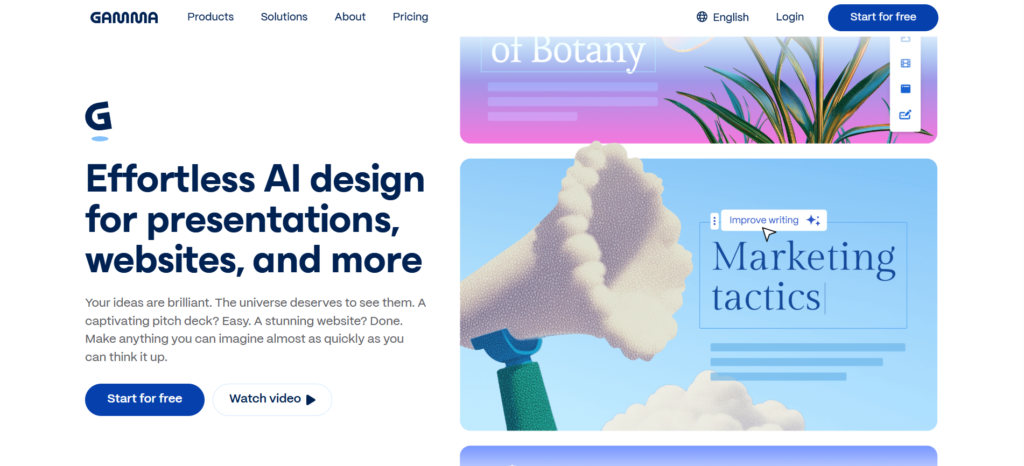
Gamma uses an entirely unique way of creating documents; with the help of AI prompts, you can create beautiful presentations, documents, reports, and even websites all on the basis of one single outline/prompt. Unlike traditional fixed slides, Gamma works with “cards,” which adjust to their content, which allows the same deck to be shown, exported as a document, or published as an independent website.
Gamma will be particularly useful for those teams who need to quickly make visually appealing content such as pitch decks, internal reports, marketing one-pagers without the involvement of a professional designer. Gamma is powered by credits instead of unlimited usage, which is something to know about before trying out this app.
Key Features
- Prompt-based AI generation of decks, docs, and web pages
- Flexible “card” layout that adapts to content length
- AI image generation and premium design models (Pro tier)
- Publish-as-webpage functionality with custom domains (Pro/Ultra)
- Real-time collaboration and sharing
Pros:
- Fast, visually polished output with minimal design effort
- Flexible format same content works as slides, doc, or webpage
- Free plan is genuinely usable for light, occasional use
- No design skills required to produce professional-looking output
Cons:
- Credit-based pricing can be unpredictable and hard to forecast
- Free plan’s 400 signup credits do not refill
- Less suited to structured, data-heavy business documents like contracts
- Some users report inconsistent credit consumption across AI models
Pricing:
- Free: ₹0
- Plus: ₹400/seat/month
- Pro: ₹950/seat/month
- Ultra: ₹7,833.25/seat/month
5. Conga Composer
Rating: 4.4/5
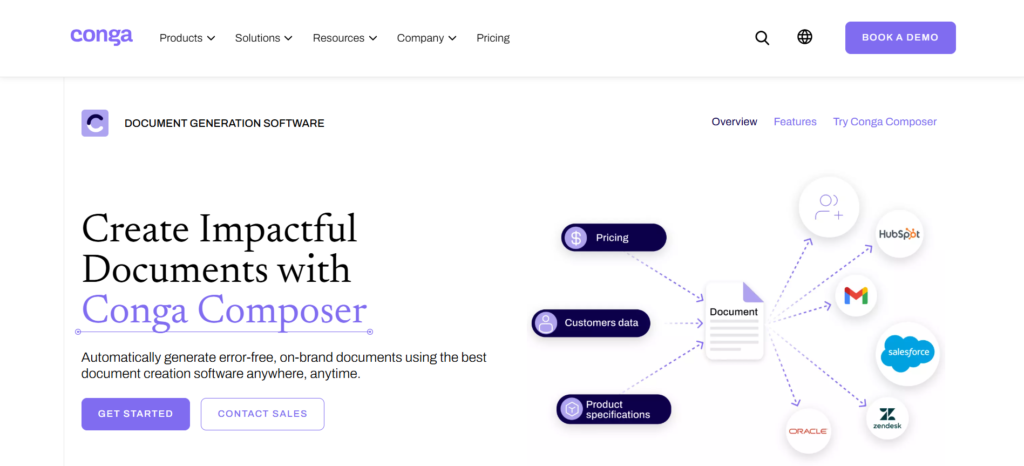
Conga Composer is a tool for document generation which has been created to serve organizations running on Salesforce platform and requires complex CRM information to be integrated into their documents. This solution supports advanced rich content charts, dashboards, tables, custom fonts, watermarking, global currencies, and triggers batch document creation and sends from within Salesforce workflow.
Conga Composer would be the best solution in this case because the company has extensive use of Salesforce as well as requiring extensive use of its data and workflow in the creation of documents. Conga Composer would be unsuitable for small organizations and companies not focusing on Salesforce, owing to its enterprise-level costs and setup.
Key Features
- Deep native integration with Salesforce data and workflows
- Support for rich content (charts, dashboards, tables, currencies)
- Batch document generation and scheduled sends
- Conditional logic for tailored document output
- Version control and audit trails for compliance
Pros:
- Best-in-class Salesforce data integration for document automation
- Handles complex, data-rich documents better than most competitors
- Strong batch processing and workflow trigger capabilities
- Trusted by mid-market and large enterprises for years
Cons:
- No public pricing entirely quote-based
- Primarily valuable only if your business runs on Salesforce
- Interface feels dated compared to newer document tools
- Implementation and admin overhead can be significant at scale
Pricing:
- Pricing: Custom pricing
- Plans: Tailored to business requirements
- Enterprise: Flexible pricing based on usage, features, and needs
Which AI Document Generator Fits Your Business?
The selection of an appropriate AI Document Generator varies based on your organizational objectives, number of people involved and type of documents. PandaDoc would be ideal for businesses looking to manage proposals and contracts through Sales & HR Teams.
Formstack Documents supports no-code automation, while Gamma suits teams creating visual content. Conga Composer is ideal for businesses that rely heavily on Salesforce and need advanced, data-driven document generation.
Business Documents You Can Generate
The use of software that generates business documents through the use of artificial intelligence minimizes repetitive tasks within businesses. It becomes possible to generate documents such as sales proposals, contracts, estimates, HR forms, invoices, reports, presentations, and many others.
Template and business data integration may help in keeping everything consistent. Some of the more advanced platforms can even automate the generation of the documents based on CRM records and other such things.
Features to Compare Before Choosing
These elements should be kept in mind when choosing an AI-based document generator. The features like AI-driven content generation, customization of templates, data integration, automation of the process, electronic signatures, brand control, CRM integration, collaboration, analytics, and security must be kept in mind. The ideal one will decrease the need for manual effort and assist your team to develop correct and professional documents.
AI Document Generation vs Traditional Document Creation
Document creation through traditional methods involves manual document creation by performing tasks like copy-pasting data, creating document format, and manually versioning the documents. Template-based creation method helps improve consistency, but it still involves manual data inputting. Data population through automation involves going a step ahead by bringing data from CRM/database automatically into the documents. The last method of document creation involves AI-assisted drafting where the AI uses a prompt/outline to create/design content.
Review and approval is an important aspect for all the above-mentioned types of creation. Tools like PandaDoc and Formstack Documents integrate the process of review and approval into the document process.
AI Document Software Pricing
In terms of pricing structure, there is a lot of variation in this category. Several services provide a free trial version or even a free version, namely PandaDoc, Formstack Documents, and Gamma, whereas Templafy and Conga Composer operate primarily for businesses with quote pricing and no publicly available free plan.
Per user pricing is common in PandaDoc (approximately $19-$65/user/month) and Templafy (approximately $12-$50/user/month). However, Formstack Documents and Gamma tend to go with fixed or usage-based pricing; Formstack operates on a fixed monthly cost per level and Gamma employs an AI credits system based on your usage.
How to Choose the Right AI Document Generation Software
Selecting the appropriate software for AI document generation requires the identification of the type of documents to be created, automation required, size of your team, and technology at your disposal. Check out the compatibility with various platforms such as Salesforce or Hubspot and then assess the AI functionality, control, and workflows.
Finally, determine whether you require data-based document generation or generative content.
AI Document Generation Trends in 2026
The use of AI for document creation in 2026 will be characterized by greater connectivity, automation, and contextuality. The use of AI-based processes, AI-assisted document creation through CRM, contract automation, and data merging will be useful in automating the process.
With brand-aware AI, consistency in language and design will be maintained and through AI-based document review process, any inconsistency in language and contract language will be detected.
Final Verdict
The appropriate software for AI document creation would be one that is dependent on the kind of documents that the company generates. The most comprehensive AI document generation tool for companies creating sales proposals, agreements, and other HR-related documents would be PandaDoc. For larger companies who require tools for managing their brands in a distributed company setting, the tool that would suit best is Templafy. For those looking to automate form to document with codelessness, the best tool is Formstack Documents.
If your priority is fast, visually engaging content like presentations and reports, Gamma is the best fit for visual AI documents. And any business running deeply on Salesforce should go straight to Conga Composer for document generation that’s tightly woven into their existing CRM data and workflows.
Frequently Asked Questions
1. What is AI-based document creation software?
AI-based document creation technology makes it possible to automate the process of creating various documents such as proposals, contracts, reports and others using templates, data integration and generative AI technologies.
2. What AI document generator is best for business?
For any business, PandaDoc would be the best software, although, depending on what your requirements may be, the other options like Templafy, Formstack Documents, and Conga Composer could be better if you require enterprise brand governance, no-code automation, and Salesforce-native workflows respectively.
3. What would be the best tool to make sales proposals?
PandaDoc is a tool that was created for use with sales proposals, and these sales proposals may include customized templates, the integration of data from a CRM, and document tracking.
4. Which document generator works with Salesforce?
Conga Composer offers the deepest native Salesforce integration for document generation, though PandaDoc and Formstack Documents also support Salesforce connections on their higher-tier plans.
5. Can AI generate business contracts?
Yes tools like PandaDoc and Conga Composer can generate contracts by merging CRM or deal data into approved templates, though most AI document tools still rely on human review before contracts are finalised and signed.