Which software is best depends on your specific output. Magic Hour is perfect for putting characters into videos, Hedra is perfect for dialoguing characters, and Scenario is perfect for gaming. Krea is perfect for experimentation, while Leonardo.AI is perfect for character art.
Our Top 3 Picks
| Tool | Best For |
| Magic Hour | AI character replacement and reusable characters |
| Hedra | Expressive, talking character videos |
| Scenario | Consistent characters and game assets |
AI Characters Are Moving From Static Avatars to Reusable Creative Assets
Some years ago, an AI character would be one great picture to create. But today, it would be great to have a character that you can reuse in all your images, video clips and posts. Consider the possibility of having a mascot for your business, a hero for your comic book, or a host for your channel.
But the tricky part is how you maintain that same face, costume and style in all these new images and scenes. This is why consistent characters are so important.
What Makes an AI Character Tool Useful for Creators?
First is consistency. Can you keep the same face and look even after several generations? There should be a tool for importing reference images since it is the easiest method of controlling the look of the character.
Secondly, what can the tool produce? Some produce only images; others produce video, character animations, and lip syncs.
5 Best AI Character Tools for Creators in 2026: Comparison
| Tool | Best For | Standout Capability | Image | Video | Character Consistency | Starting Price |
| Magic Hour | Character replacement | Replace a person in video | Yes | Yes | Reference-image based | Free; Creator from $10/month |
| Hedra | Talking characters | Lip-synced character video | Yes | Yes | Good with a reference image | $15/month |
| Scenario | Game assets | Custom-trained generators | Yes | Limited | Strong | $15/month |
| Krea | Design experiments | Image, video and LoRA training | Yes | Yes | Strong with LoRA | $9/month |
| Leonardo.Ai | Character artwork | Character reference and custom models | Yes | Yes | Good | $12/month |
1. Magic Hour: Best for AI Character Replacement and Reusable Characters
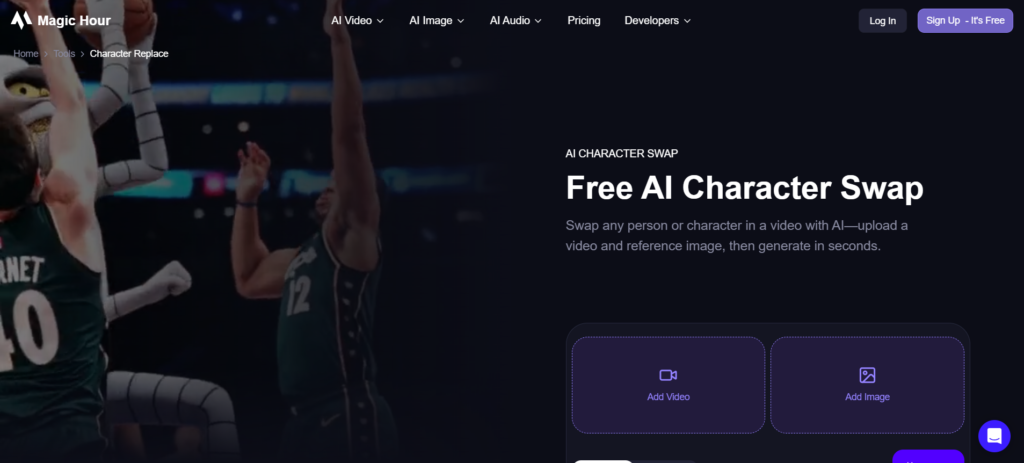
Magic Hour is an online creative software suite offering features for videos, images, and audio. The most remarkable thing about it is the AI character replace feature, where one replaces the key figure in the video with an animated, anime, or customizable character.
One creates an original character using the image generation feature and uses it as their point of reference. This suits marketers and brands looking to create an original mascot in a new video without having to shoot again.
Key Features
- Character replace for existing video
- Animate mode that moves a still character
- Built-in image generator
- Face swap and lip sync tools
- Preset characters to test with
Pros
- Keeps the original performance
- Free tries without sign-up
- Many tools in one place
- Paid plans include commercial use
Cons
- Clips are short (up to 15 seconds)
- Free outputs are limited to 3 seconds
- Needs a clear reference image
- Fewer art-style training options
Pricing
- Free: $0/month
- Creator: $19/month
- Pro: $39/month
- Business: $99/month
2. Hedra: Best for Expressive AI Character Videos
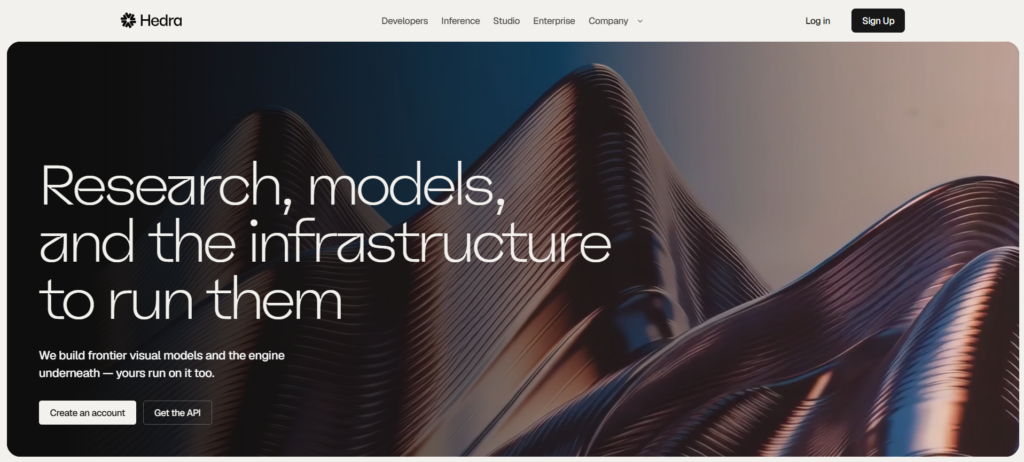
Hedra creates a video of a talking character animation from an image and either audio or script. The native Character-3 model from Hedra concentrates on realistic faces, lip-syncing, and speech. That is why it is widely used for explanations, social hosts, and narrative videos.
Hedra supports various third-party video models in one studio. Hedra suits creators who need a speaking animated character, and usage rights increase depending on the video length.
Key Features
- Image-plus-audio talking videos
- Character-3 native model
- Access to many third-party video models
- Voice and script tools
- Commercial use on paid plans
Pros
- Natural lip-sync
- Easy to start
- Many models in one studio
- Good for talking hosts
Cons
- Credits are used by the second
- Credits do not roll over
- Free access is very limited
- Premium models drain credits fast
Pricing
- Basic: $20/month
- Pro: $50/month
- Ultra: $100/month
3. Scenario: Best for Consistent Character and Game Assets
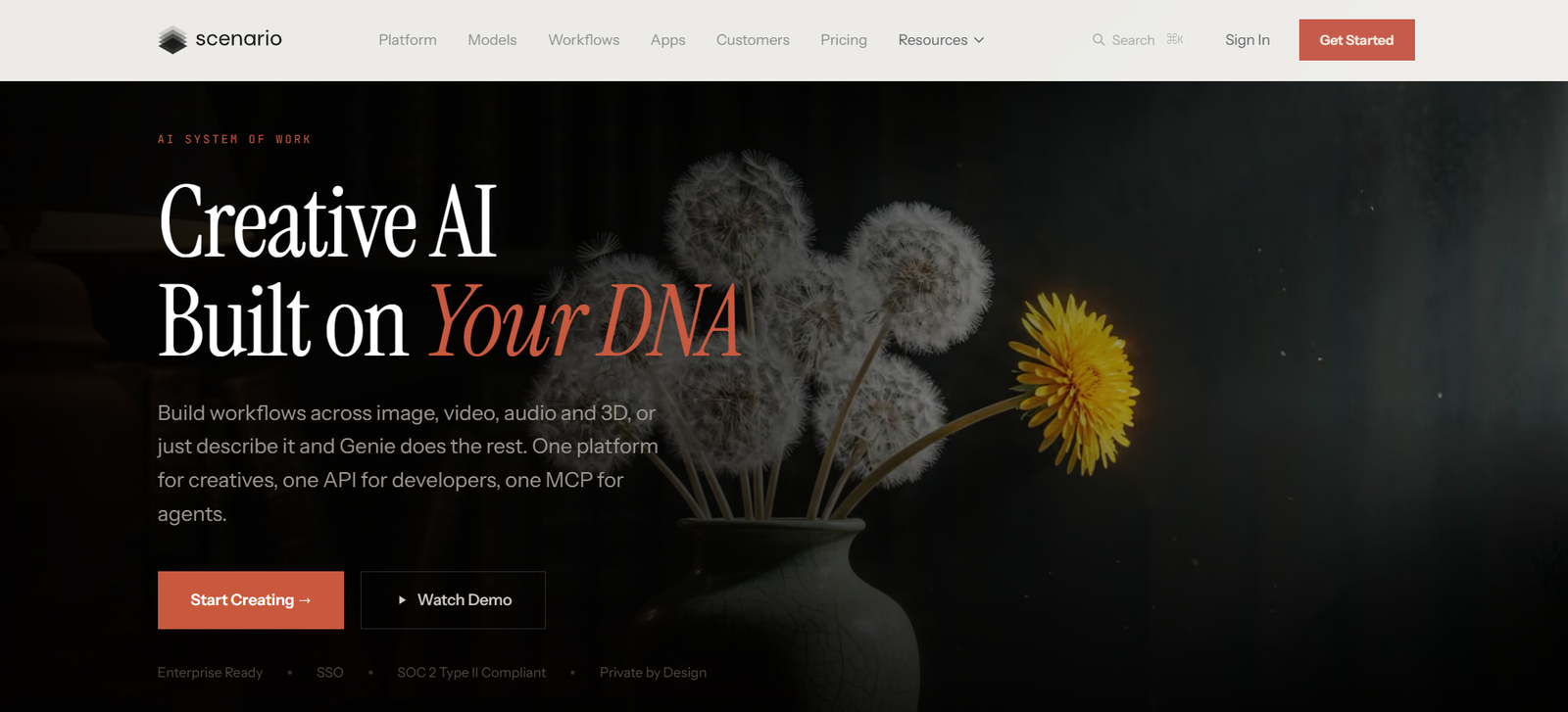
The Scenario was made specifically for video game companies and artists who need assets like those. Train your own personal generator using your own pictures to ensure that each new character, object, and scene looks the same. Large video game companies are currently using the software for their game art.
The tool is most effective with consistent characters at large volumes, such as a whole cast with various poses. The initial setup is more time-consuming than with easy solutions, but control is more powerful.
Key Features
- Custom model training on your art
- Reference-image guidance
- Game-asset workflows
- Team seats and shared libraries
- Access to many top models
Pros
- Strong style consistency
- Built for game production
- Free plan with daily credits
- Good for teams
Cons
- Longer setup
- Credits do not roll over
- Heavy iteration costs add up
- Less focused on video
Pricing
- Starter: $10/month – 1,500 credits
- Pro: $30/month – 5,000 credits
- Max: $50/month – 10,000 credits
- Enterprise: Custom pricing
4. Krea: Best for Character Design and Visual Experimentation
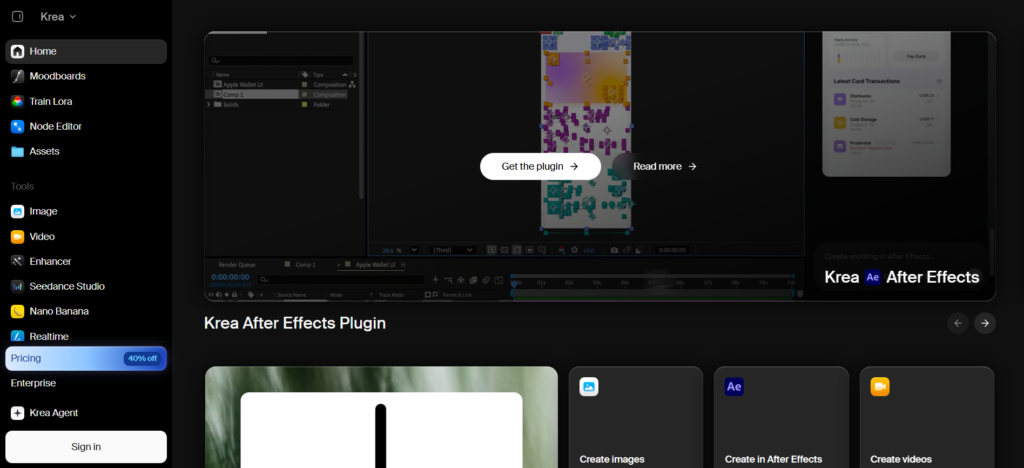
Krea is an image, video, and 3D generation creative studio. Its speciality is fast generation in real time, allowing you to test out a look for your character instantly. You can even develop your style using LoRA and upscale your results.
It works well for designers who like to experiment with their looks before committing. It allows freedom, although maintaining consistency is tricky.
Key Features
- Real-time image generation
- LoRA training for custom looks
- Image-to-video and 3D tools
- High-quality upscaling
- Multiple video models
Pros
- Fast and fun to use
- Strong design tools
- Free daily compute units
- Wide model choice
Cons
- Needs practice for consistency
- Compute units run out
- Top plans get costly
- Less focused on dialogue
Pricing
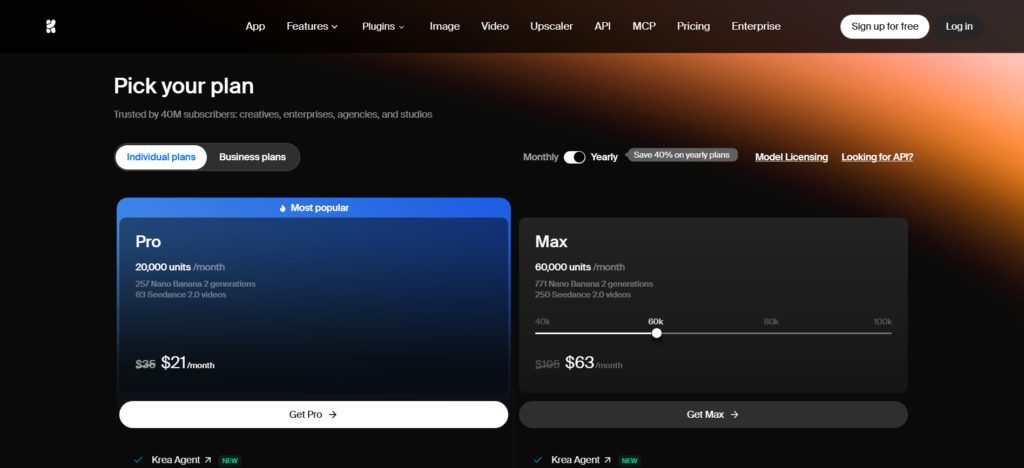
- Basic: $5/month
- Pro: $21/month
- Max: $63/month
5. Leonardo.Ai: Best for AI Character Artwork
Leonardo.Ai is an image-oriented platform which belongs to the company Canva. The platform possesses style-based models, character references, and training for custom-made models. Leonardo.Ai can be called a decent choice for comics, conceptual art, and gaming images.
The platform is beginner-friendly, and the subscription provides users with commercial use permissions. It is mostly an image-oriented platform; therefore, video and voice are not its strengths.
Key Features
- Character reference guidance
- Custom model training
- Canvas editing tools
- Several in-house image models
- Video generation options
Pros
- Beginner-friendly
- Large model library
- Free daily tokens
- Commercial use on paid plans
Cons
- Free outputs are non-commercial
- Premium models use extra tokens
- Video is less advanced
- Consistency needs careful prompting
Pricing
- Free: $0/month
- Essential: $12/month
- Premium: $30/month
- Ultimate: $60/month
Creating Consistent Characters Across Multiple Scenes
Begin by selecting a proper reference image – an image where the character faces forward with proper lighting and background. The reference image should be the same every time; prompts for face, hair, and clothing should be short and constant. Even a slight change in wording can create different images.
In case of changes in pose, background and angle of the camera, describe the changes alone. Keep all images of characters in one single folder.
Turning AI Characters Into Videos
After you have the perfect image of your character, you can make it animate. The best AI video advertising tools can help turn these stills into engaging video content, while lip-sync tools allow your character to talk.Hedra works well for dialogue, and Magic Hour works well when you would like your character to perform, following a performance via character replacement.
However, if you have longer stories to write, then you should write the story scene-by-scene, referring to the same video each time. Short videos are much more useful than long ones.
Character Consistency vs Creative Freedom
While tight controls guarantee that your character always looks the same, they also minimise the element of surprise. More relaxed environments allow for new inspirations, although they may alter the look and attire. One should definitely focus on keeping the facial features and style the same, while letting everything else vary.
Tighter controls, such as customised training, can be justified with a recurring character, mascot or video game characters. For single projects, an ordinary reference picture is sufficient.
Conclusion
The best AI character tool will save you time and help maintain character recognizability. Magic Hour allows you to insert characters in real videos, Hedra adds their voice, and Scenario ensures that the whole cast stays consistent. Krea and Leonardo.Ai provide excellent design capabilities. You can start with a free plan and only upgrade after testing one character.
FAQs About AI Character Tools
1. What is the best AI character tool for creators?
Depends on the objective. Magic Hour is good for video exchanges, Hedra is good for dialogue characters, and Scenario is good for game assets.
2. Which AI tool can replace a character in a video?
Magic Hour’s character replacement tool replaces the primary character in the clip using a reference image’s character.
3. How can creators maintain the same AI character across scenes?
Always use the same clear reference image. For long tasks, create a custom model.
4. Can AI character tools create talking characters?
Yes. Hedra converts an image and audio to a lip-synced dialogue video.
5. Which AI character tool is best for gaming?
The scenario is tailored to game developers and concentrates on uniform assets.