
Live streaming has become an essential component of business communication, be it the launch of a product or holding an all-hands meeting or conducting a conference of thousands of people on a hybrid model. However, not all live streaming services can cater to the needs of businesses since consumer live streaming services do not provide the required features and capabilities to enterprises.
A good live streaming service should take care of all the above-mentioned components including the security of the content.
Top 3 Picks At a Glance
| Platform | Best For |
| Vimeo Livestream | Enterprise livestreaming & branded events |
| Dacast | Corporate video delivery & monetization |
| StreamYard | Browser-based streaming & ease of use |
Understanding Business Live Streaming Platforms
The business live streaming platform offers several video functionalities in one package. It facilitates real-time streaming, enterprise live streaming, video-hosting-platforms, and multi-channel streaming. Business live streaming platforms also offer branded video players that organizations can integrate on their sites. They also include functionalities like live chat, live Q\&A, polls, and reactions.
Analytics are available to measure viewer counts, viewing duration, engagement, and event performance. These features make business live streaming platforms relevant to businesses dealing with video communication.
Why Businesses Use Live Streaming Software
Live streaming software allows companies to engage their audience regardless of where they are located. Some examples of events that can take place using this technology include virtual events, webinars, product launches, corporate communication, and town hall meetings. Companies can interact with their audience through live Q\&A, live chat, and commerce, while streaming content on various channels.
This technology is also helpful in organizing hybrid events whereby remote participants can be involved alongside other people who attend such an event physically.
How We Compared These Live Streaming Platforms
We have analyzed each one of the platforms using some practical criteria relevant for the businesses deciding which platform will be best suited for them for streaming. These criteria include stream quality, reliability, enterprise-level security, video hosting, performance of the CDN, simulcasting, and even audience engagement tools.
Using such an approach will make it easier for us to pinpoint the strong and weak points of each of the business live streaming platforms as well as help businesses choose one depending on their needs and budget.
Best Live Streaming Platforms Compared
| Platform | Rating | Best For | Key Features | Starting Price | Free Trial/Plan |
| Vimeo Livestream | 4.4/5 | Enterprise livestreaming | Branded players, event management, enterprise security | $65/month | No free plan |
| Dacast | 4.3/5 | Corporate video delivery | Global CDN, monetization, DRM protection | $39/month (billed annually) | Yes, 14-day free trial |
| Brightcove | 4.0/5 | Large-scale media operations | Enterprise video cloud, advanced analytics, ISO 27001 security | Custom/quote-based | Limited demo access |
| Restream | 4.3/5 | Multistreaming | Stream to 30+ platforms simultaneously, unified chat | Free (paid from $19/month) | Yes, free plan available |
| StreamYard | 4.8/5 | Browser-based streaming | No-download studio, multistreaming, guest management | Free (paid from ~$36/month annual) | Yes, free plan + 7-day trial |
| OneStream Live | 4.6/5 | Scheduled broadcasts | Pre-recorded scheduling, 40+ destinations, unified chat | Free (paid from ~$10/month) | Yes, free-forever plan |
| Cisco Webex | 4.3/5 | Enterprise conferences | Enterprise security, AI meeting tools, PSTN calling | Free (paid from $14.50/user/month) | Yes, free plan available |
1. Vimeo Livestream
Rating: 4.4/5
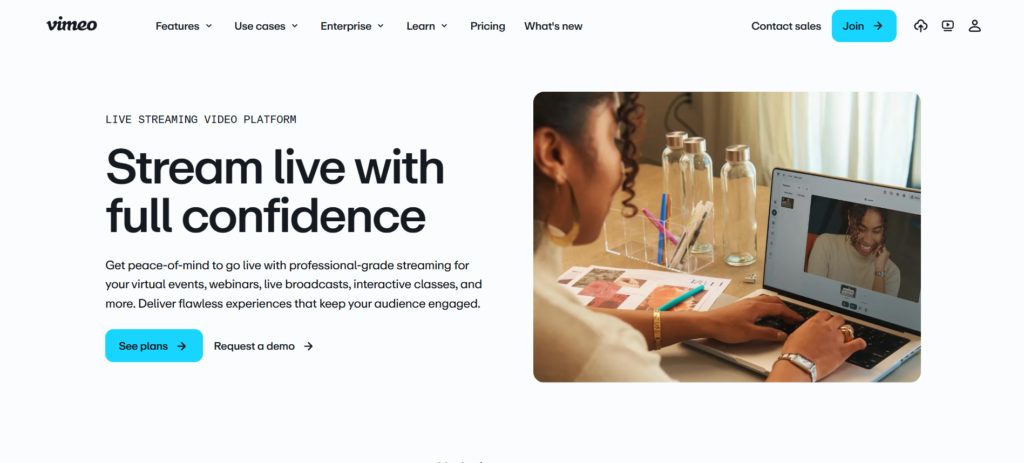
Vimeo Livestream is designed to suit businesses looking for branded live events with no third-party interface to depend on. It allows streaming in high quality and free from any ads with customizable embed players. This feature makes Vimeo Livestream suitable for businesses which want to have their livestreams seamlessly blend into their website or app.
Apart from the embedded player, Vimeo Livestream comes with other features such as event management tools, registration, and enterprise security, hence the reason why it is often used for investor calls and product launches.
Key Features
- Fully branded, embeddable video players
- Event registration and audience management
- Enterprise-grade security and privacy controls
- Multi-camera production support
- Detailed post-event analytics
Pros
- Excellent video and audio quality for branded events
- Strong privacy and access controls for gated content
- Reliable for large-scale, high-stakes broadcasts
Cons
- No free plan or trial available
- Pricing is on the higher end compared to competitors
- Some advanced features require custom enterprise contracts
Pricing
- Starter: ₹720/month
- Standard: ₹1,500/month
- Advanced: ₹4,500/month
- Enterprise: Custom pricing
2. Dacast
Rating: 4.3/5
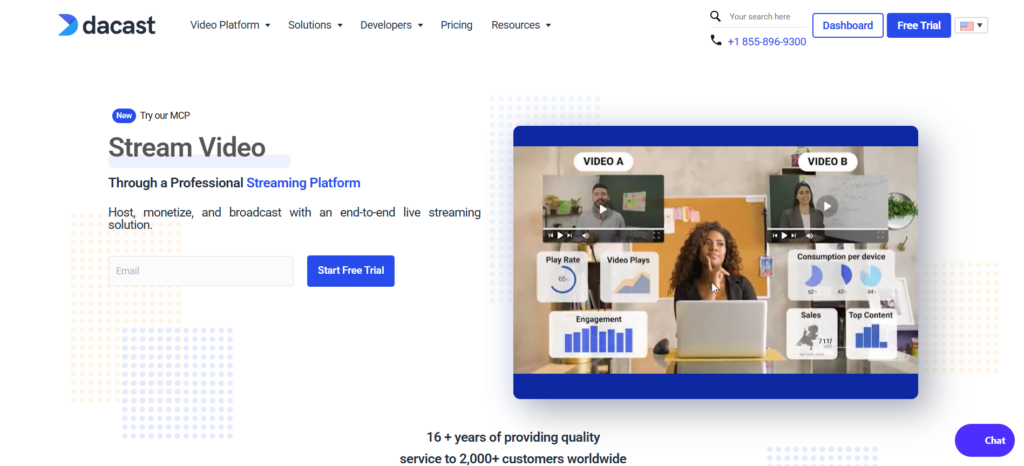
Dacast is tailored for businesses that require a reliable solution for video hosting and live streaming with embedded monetization tools. The software is able to deliver content through a worldwide CDN with DRM capability, paywall solutions, and subscription models, which makes it especially appealing for companies who wish to sell their access to live events, courses, and videos.
At the same time, Dacast has all necessary solutions for standard business needs including webinars, broadcasting, and marketing events, as it offers an ad-free player and easy configuration.
Key Features
- Global CDN delivery for reliable streaming at scale
- Built-in monetization (pay-per-view, subscriptions)
- DRM content protection
- Geo-restriction and domain-level access controls
- Live and VOD analytics
Pros
- Strong monetization tools built directly into the platform
- Reasonable pricing compared to enterprise-only competitors
- Ad-free, white-label streaming experience
Cons
- Analytics are limited on lower-tier plans
- Some users report inconsistent support response times
- Multi-bitrate streaming has been reported as inconsistent on certain plans
Pricing
- Starter: $39/month — billed annually
- Event: $63/month — billed annually
- Scale: $165/month — billed annually
- Custom: Custom pricing for high-volume needs
3. Brightcove
Rating: 4.0/5
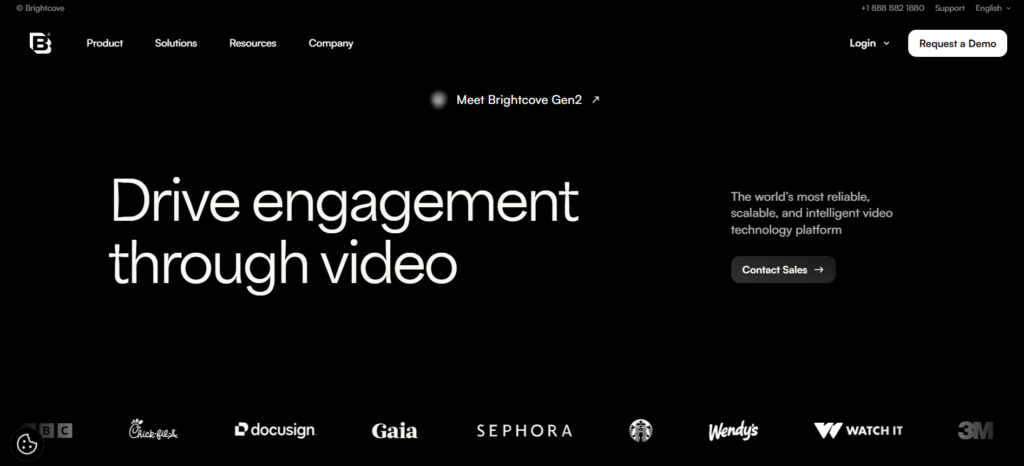
Brightcove are an online video platform for large enterprise companies, and take on board large media companies and their own work with all videos in the globe. It provides the entire suite of services related to video including live streaming, video-on-demand hosting, monetization, and analytics. This platform is certified for information security by ISO/IEC 27001.
Brightcove is normally selected by media corporations and huge enterprises that require customizable solutions with special support and ability to deliver video in many countries. However, it will not be suitable for small enterprises owing to a specific pricing strategy of Brightcove; however, in terms of media business, it is a top brand name.
Key Features
- Enterprise-grade video cloud infrastructure
- Analytics and measures of audience engagement
- Conformity of Security to ISO 2700
- Extensive API ecosystem
- Multi-channel content distribution
Pros
- Built for massive scale and global content delivery
- Strong security credentials for regulated industries
- Deep integrations with marketing and CMS platforms
Cons
- Pricing is entirely custom and not transparent upfront
- Steeper learning curve and setup complexity than competitors
- No public free trial; demos required to evaluate the platform
Pricing
Brightcove does not publish fixed pricing.
4. Restream
Rating: 4.3/5
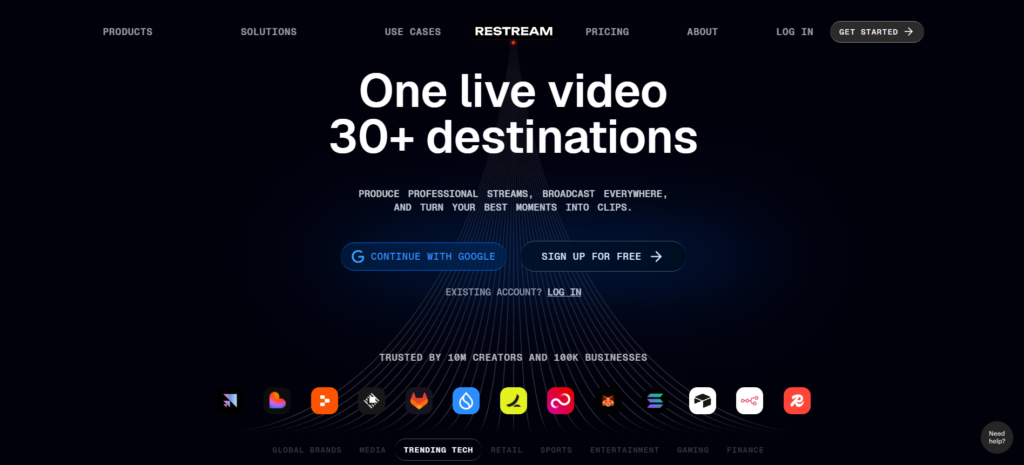
Restream only focuses on one feature, which is to be able to transmit one live stream into 30+ destinations such as YouTube, Facebook, LinkedIn, and X. Marketing live streams done by companies are relieved of managing their streams individually per platform.
Aside from being able to multi-stream, Restream offers a web studio where people can change scenes, bring in guests, and a chat room which collects comments from all platforms.
Key Features
- Simultaneous streaming to 30+ platforms
- Browser-based studio with scene switching
- Unified chat across all connected destinations
- Guest invitations and live collaboration
- Stream analytics across channels
Pros
- Genuinely useful free plan for basic multistreaming
- Simple setup with no additional software required
- Good value for money at the entry-level paid tiers
Cons
- Watermark and resolution limits on the free plan
- Some features, like Facebook Page streaming, are paywalled
- Higher-tier plans and add-ons (like clips) can add up quickly
Pricing
- Free: $0/month — forever
- Standard: $19/month
- Professional: $49/month
- Business: $239/month
- Clips: From $19/month as an add-on
- Webinars: $99/month as an add-on
5. StreamYard
Rating: 4.8/5
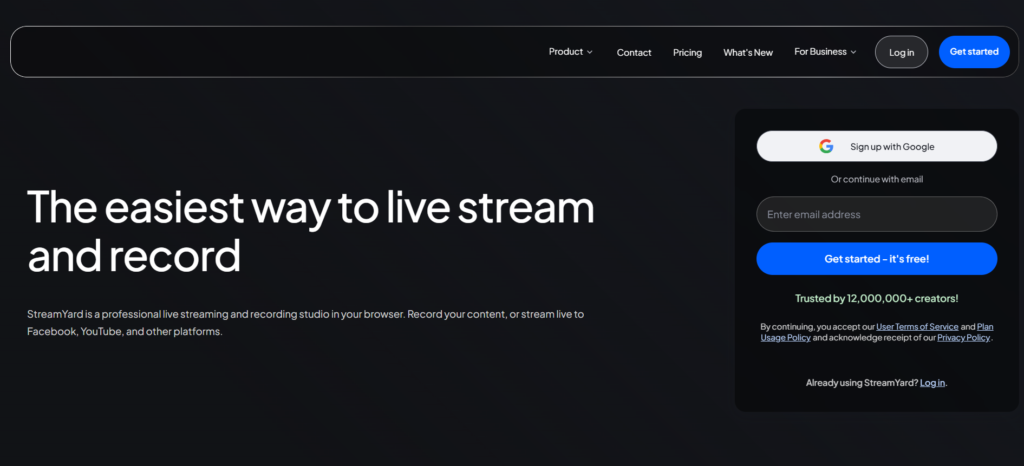
StreamYard is a live streaming studio available right from your browser, meaning you do not have to download anything, nor do you have to go through any installation process, and because of this, StreamYard is considered one of the easiest tools to use for live video streaming for organizations who are just getting started with live videos.
After the acquisition by Bending Spoons, StreamYard’s costs have gone up drastically; however, it is still very popular owing to its user-friendly nature. The ability of this software to create clips with artificial intelligence, along with its clean production tools, makes it an ideal choice for SMBs.
Key Features
- Browser-based studio with no software downloads
- Simultaneous multistreaming to up to 8 platforms
- Custom branding, custom graphics, and overlaying
- Guest invitations and screen sharing
- AI-powered clip generation for social media
Pros
- Extremely easy to learn, even for non-technical teams
- Highest-rated platform on this list for ease of use
- Free plan is genuinely usable for testing the platform
Cons
- Recent price increases (reported up to 80%+) have frustrated long-time users
- Free plan includes watermark and lower resolution limits
- Advanced webinar features are locked behind higher tiers
Pricing
- Free: $0/month — essential streaming features
- Core: ₹2,699/month — billed annually
- Advanced: ₹5,299/month — billed annually
6. OneStream Live
Rating: 4.6/5
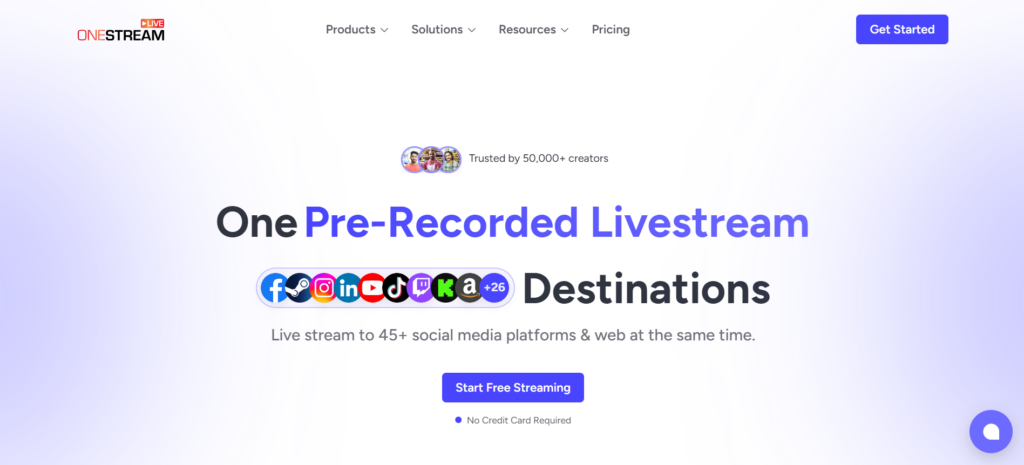
OneStream Live Live’s area of expertise lies in the provision of broadcasting services in advance and pre-recorded live broadcasting service, which enables firms to load their data in advance and stream it in real-time through more than 40 different social platforms. It is particularly helpful for those who wish to enjoy the advantages of live broadcasting without being actually live.
OneStream Live provides live broadcast straight from the clouds like Google Drive and Dropbox.
Key Features
- Recordings may be made up to 60 days in advance
- Live broadcasting of the presentations from Google Drive, Dropbox, OneDrive, and pCloud
- Multi-platform streaming on 40+ platforms
- Unified chat across connected destinations
- Bandwidth, storage, and user licenses are flexible add-ons.
Pros
- Free-forever plan with more destinations than most competitors’ free tiers
- Strong fit for recurring or evergreen content schedules
- Responsive customer support, according to user reviews
Cons
- No built-in live production studio like StreamYard or Restream
- Some users report streaming lag compared to OBS-based workflows
- Add-ons for bandwidth, storage, and destinations can increase total cost
Pricing
- Free: ₹0/month
- Basic: ₹833/month
- Standard: ₹2,083/month
- Professional: ₹2,499/month
- Enterprise: ₹6,666/month
7. Cisco Webex
Rating: 4.3/5
Cisco Webex is primarily used as a conferencing tool for enterprises; however, its features of live streaming and webinars make it an excellent fit for companies requiring all these things to be integrated on one secure platform. Webex is deployed by many companies across industries such as banking, healthcare, and telecoms.
The standout feature of Webex is its enterprise security model, including end-to-end encryption, even at low-cost plans, as well as its AI-driven meeting features such as transcription and summarization.
Key Features
- End-to-end encryption available across plans
- AI meeting summaries and transcription
- Integrated PSTN calling and phone system support
- Single sign-on (SSO) and advanced admin controls
- Seamless integration with Cisco hardware and devices
Pros
- Best-in-class security and compliance features
- Reliable call and stream quality at enterprise scale
- Strong integration with existing Cisco infrastructure
Cons
- Pricing runs higher than most competitors for equivalent features
- Enterprise pricing is opaque and requires direct sales engagement
- Can feel like overkill for businesses that only need basic livestreaming
Pricing
- Webex Free: $0/user/year
- Webex Meet: $144/user/year or $12/user/month
- Webex Suite: $270/user/year or $22.50/user/month
- Webex Enterprise: Custom pricing — contact sales team
Which Live Streaming Platform Fits Your Business?
Best live stream service to choose varies depending on what you want to do. Vimeo Livestream is preferable for events that involve branding, and Dacast helps with monetizing videos. Brightcove can be used by large media companies. Restream is a perfect choice for multichannel broadcasting, while StreamYard allows for streaming through a web browser with guest integration.
OneStream Live is good for distribution of scheduled or pre-recorded content. Cisco Webex should be chosen for corporate meetings and conferences.
Features to Consider Before Choosing a Platform
In evaluating the live streaming platforms, factors such as video quality, video hosting limitations, CDN capability, reliable and adaptive streaming, and multi-streaming capacity need to be considered. Other elements that businesses need to consider include analytics and reporting capabilities, which will assist in understanding the viewer’s behavior and the performance of events.
Other factors that may be considered by organizations include branding, whitelabeling, security capabilities, certification, API and integration, AI video advertising tools, and revenue generation capabilities.
Live Streaming vs Video Conferencing
Live Streaming and video conferencing serve different purposes. The live streaming application software is used for one-to-many transmission, whereas video conferencing application software is very good for one-to-one and many-to-many interaction. The live streaming application software has a feature of simulcast, engagement, registration, and access control. The video conferencing application software supports collaboration and screen sharing.
Business live streaming software would be a good choice for public events, product launches, and other broadcasts. Business video conferencing software would be a good choice for company meetings and collaboration.
Live Streaming Platform Pricing
Pricing depends to a great extent on the features, number of people, storage, and usage. The free versions of the software can be useful for simple broadcasting and multistreaming, while the monthly subscriptions usually cost about $19 and go up depending on the features.
Some of the applications use pricing on the basis of usage like bandwidth, storage, or stream capacity.
How to Select the Right Streaming Solution
Live streaming becomes more intelligent and interactive in 2026. Automation in live streaming can be performed through applying artificial intelligence to the process of production (camerawork, editing, content preparation). Also, automation is reflected in the use of automatic subtitles that make the experience of watching more convenient for the audience. Interactivity during live streaming involves the following actions: voting, purchase, reactions, and participation of the audience.
Multichannel distribution has turned into one of the most important things to consider.
Live Streaming Trends for 2026
In 2026, live streaming is getting smarter and more interactive. Automation in live streaming is achieved by using artificial intelligence in production such as camera switching, editing, and content preparation. The use of automated captions is also increasing, making the experience more accessible for the audience. Interactivity during live streams includes real-time voting, buying options, reactions, and audience participation.
The multichannel distribution has become one of the essential aspects that companies have to provide.
Final Verdict
However, when choosing which live streaming solution is right for you, there are several things that you need to take into account including your needs as an organization, your target market, and your budget. Vimeo Livestream and Cisco Webex will be suitable for business purposes while Dacast and Brightcove will be good for professional video delivery. On the other hand, Restream will suit you if you wish to broadcast from multiple sources.
Frequently Asked Questions
1. What is the ideal live streaming software for business?
Vimeo Livestream, Dacast, and StreamYard are some good options to look into, based on the nature of your event.
2. Which platform is best for enterprise events?
Vimeo Livestream and Cisco Webex provide good security, branding, and corporate event capabilities.
3. What is best for multistreaming?
Restream and OneStream Live are two great platforms for live streaming.
4. Can businesses stream to multiple platforms?
Sure. The applications such as Restream, StreamYard, and OneStream Live enable simultaneous streaming.
5. How much does live streaming software cost?
Planes can be categorized into either free plans or paid plans.