
Your toolset makes or breaks agile teams. A good agile project management tool can turn a collection of scattered backlogs, post it notes, and one off tracking spreadsheets into visible sprints, ownership, and reports that truly represent the state of work. A bad one can just pile on another tab that no one looks at.
We’ve ranked the best 5 Agile project management tools of 2026: Jira, Azure Boards, ClickUp, monday.com, and Asana, so you can choose the right one for your team’s workflow.
Quick Answer
The top Agile tools are selected based on team requirements. For example, software teams would prefer Jira; teams working within a Microsoft environment go for Azure Boards, while ClickUp is a holistic all-in-one project management tool.
Top 3 Picks
| Tool | Best For |
| Jira | Software development teams |
| Azure Boards | Microsoft-centric teams |
| ClickUp | Flexible al in one Agile management |
What Makes an Agile Project Management Tool Effective?
Top Agile tools do more than just simple task management. They help with sprint and backlog management, configurable Kanban boards, detailed issue and task tracking and teamwork collaboration features. The best Agile reporting will have burndown charts, velocity and sprint retrospectives. Helpful for automation and integrations with Git, Slack and CI/CD tools.
Finally, consider how scalable the application is (cost, number of users, feature set) with your expanding team and project.
Top Agile Project Management Tools Compared
| Tool | Rating | Best For | Key Features | Starting Price |
| Jira | 4.3/5 | Software development teams | Sprint Planning, Backlog, JQL, Advanced Roadmaps | Free (for up to 10 users); Standard $7.53 per user per month |
| Azure Boards | 4.4/5 | Microsoft/DevOps centric teams | Kanban boards, Backlogs, Dashboards, Source Control Integration | Free (up to 5 users); Basic $6/user/month |
| ClickUp | 4.7/5 | All in one flexible teams | 15+ views, sprint points, automations, ClickUp Brain (AI add-on) | Free; Unlimited $7/user/month |
| monday.com | 4.7/5 | Visual, cross-functional teams | Customizable boards, monday dev for sprints, 200+ integrations | Free (up to 2 seats); Basic $9/user/month |
| Asana | 4.4/5 | Marketing and general project teams | Timeline/Gantt views, workflow builder, Asana AI, goals | Free (up to 10 users); Starter $10.99/user/month |
1. Jira
Rating: 4.3/5
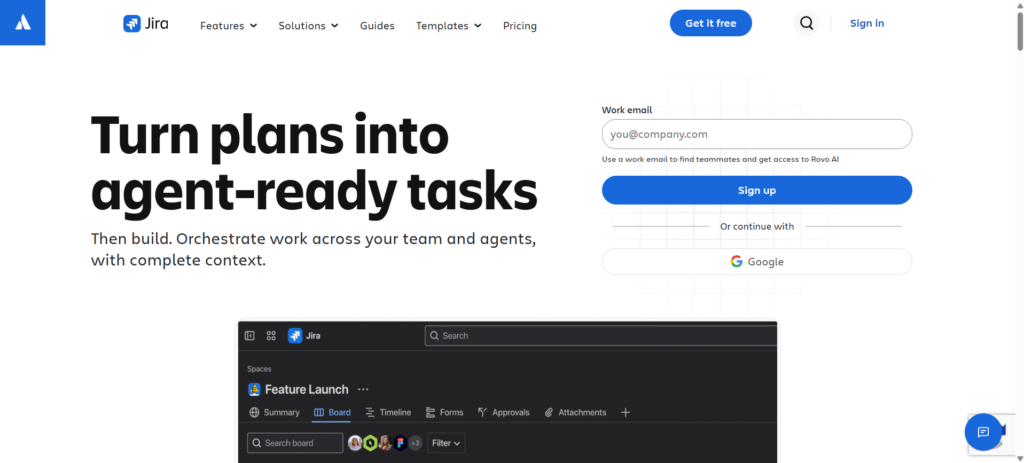
Jira is the number one world agile project management tool for software development teams by Atlassian. Jira was initially intended to be a bug tracker, but has gone on to form the basis for Scrum and Kanban project workflows across companies far and wide. Jira’s greatest features are sprint planning, backlog management and velocity reports, and the JQL query language, which many power users say is the best in any tool.
Its close integration with the rest of the Atlassian offering ( Confluence, Bitbucket) makes it a very unified development platform. In return, you get a very high barrier to entry for non-technical teams, and an overall cost of ownership that rises rapidly once you add Marketplace applications and Confluence, but to developers using a structured Agile approach, there is little else to compare.
Key Features
- Native Scrum and Kanban boards with sprint planning and backlogs
- Advanced Roadmaps for cross-team dependency management
- JQL for advanced issue querying and filtering
- 8,000+ Marketplace apps and deep Atlassian ecosystem integration
- Burndown charts, velocity reports, and release tracking
Pros
- Best in class sprint planning and backlog management for engineers
- Perfectly integrates with Confluence, Bitbucket, and the Atlassian Suite of products
- Customizable workflows to support complex development processes
Cons
- Steep learning curve, especially for non-technical or first-time Agile teams
- Total cost of ownership rises quickly with Marketplace apps and Confluence
- Overkill for teams that don’t need dedicated Agile/Scrum tooling
Pricing
- Standard: $7.91/user/month
- Premium: $14.54/user/month
- Enterprise: Custom pricing, billed annually
2. Azure Boards
Rating: 4.4/5
Azure Boards is the Microsoft team’s Agile planning and work-tracking tool in Azure DevOps. It offers a set of integrated tools including Kanban boards, backlogs, dashboards and customizable workflows designed for your whole software development lifecycle. The greatest feature of Azure Boards is the integration with source control. Developers have an effortless view of where in the work items, sprints, and releases their commits are going.
Azure Boards includes built-in support for Scrum, Kanban, and custom Agile processes, along with dashboards and reporting that are an appreciated tool for keeping teams organised through many sprints. Reviewers mention the learning curve associated with managing multiple boards and queries on the platform can be a challenge for new users, but for teams that have already leapt into the Microsoft universe, it’s a logical fit.
Key Features
- Kanban board, backlog, and sprint planning designed for Agile teams
- Native integration with Azure Repos and source control
- Customizable dashboards with advanced filtering and reporting
- Support for Scrum, Kanban, Basic, and CMMI process templates
- Free Stakeholder licenses for unlimited view/comment access
Pros
- Integrations with Azure DevOps and source code management for end to end traceability
- Generous free tier and low-cost Basic plan compared to Jira
- Strong customizable workflows for teams needing process flexibility
Cons
- Interface can feel overwhelming when managing multiple boards and queries
- Performance can slow on large projects with high work-item volume
- Best value is realised only within the Microsoft/Azure ecosystem
Pricing
- B2pts v2: From $2.76/month
- B2pls v2: From $11.04/month
- B2ps v2: From $22.08/month
3. ClickUp
Rating: 4.7/5
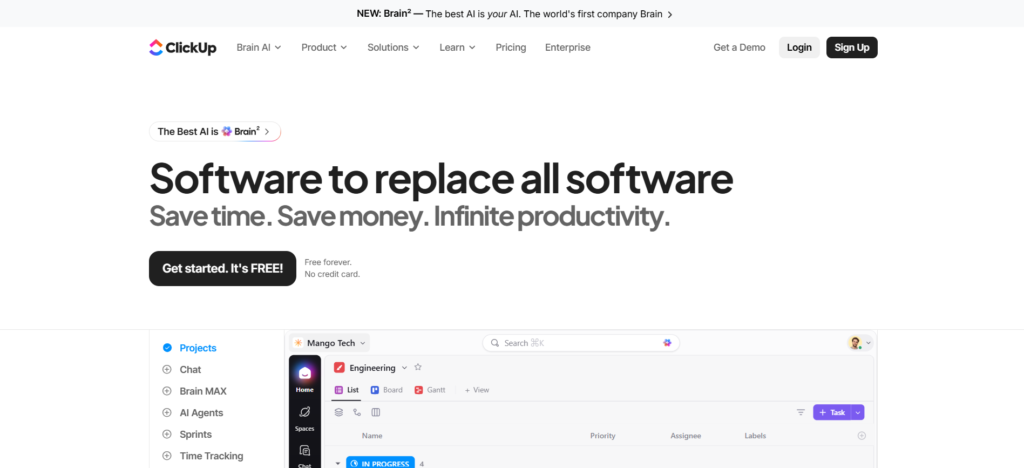
ClickUp is the ultimate platform for Tasks, Docs, Chat, goals, and dashboards. It has native support for Agile methodologies, with complete sprint points and velocity tracking built in and a Gantt view available alongside. If you are an engineering team, you’ll run sprints in one view, but designers or marketers working on the same platform are free to use a 15 plus unique, customizable view layouts without interfering with the engineering team’s workflow.
ClickUp always gets very high ratings across review sites for providing the most features at a lower cost than pricier options such as Jira or Asana – while still having a very generous free tier. The price of this is a steep learning curve during the initial setup, as configuring Spaces, Folders and automations takes some planning to get right at first.
Key Features
- Sprint points, velocity tracking, and native Agile dashboards
- 15+ customizable views (Board, Gantt, Calendar, List, and more)
- Automation engine with 50+ trigger types
- ClickUp Brain AI add-on for summaries and task generation
- Generous Free Forever plan with unlimited tasks and members
Pros
- Great value for money in comparison to Jira, Asana or monday.com
- Deep feature set covering both Agile dev work and general project management
- Highly customizable views that adapt to different team workflows in one workspace
Cons
- Real learning curve; proper setup can take a full week for larger teams
- AI features (ClickUp Brain) are billed separately, adding $7–$9+/user/month
- Automation runs are capped on lower-tier plans
Pricing
- Free Forever: Free
- Unlimited: $7/user/month
- Business: $12/user/month
- Enterprise: Custom pricing
4. monday.com
Rating: 4.7/5
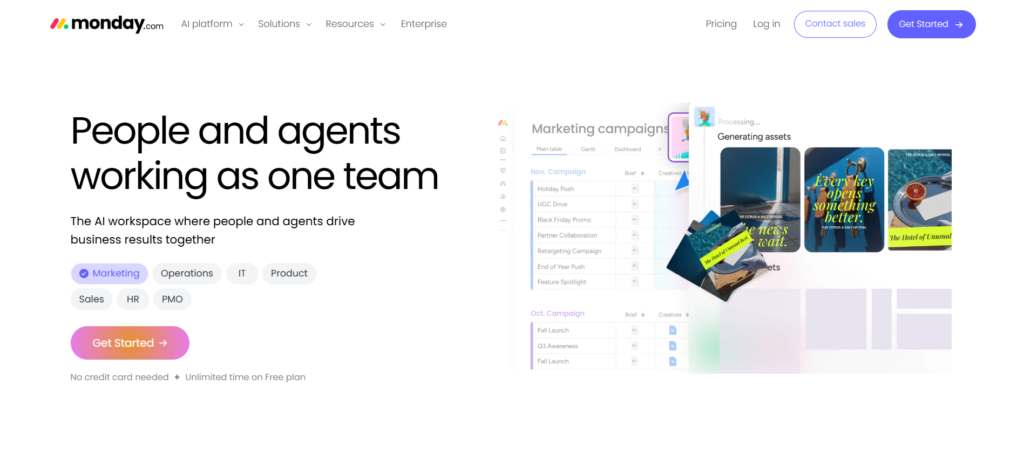
monday.com is a flexible, visual work platform that enables Agile, hybrid, or waterfall without forcing teams into only one. The focused monday dev product introduces sprint planning, bug tracking, and release workflows into the same visual boards others use, with GitHub integration so pull requests automatically populate task work items.
The single most impressive aspect of monday.com is how easy it is to adopt. All the reviewers note that the drag-and-drop board can be quickly grasped by cross functional teams with no pre-existing experience of project management software. The only glaring fault is that its dashboard analytics are limited to 20 boards at one time, which serious power users say limits large-scale reporting.
Key Features
- Monday dev for sprint planning, bug tracking, and release workflows
- Customizable boards supporting Agile, hybrid, or waterfall methodologies
- Native GitHub integration linking PRs to tasks
- 200+ integrations across the broader work platform
- Engineering performance dashboards for tracking velocity and bottlenecks
Pros
- Extremely intuitive, visual interface that’s easy for cross functional teams to adopt
- Strong integrations, including GitHub for engineering visibility
- Flexible enough to support Agile alongside marketing, sales, and operations workflows
Cons
- Analytics and dashboards are limited to 20 boards at a time
- Initial setup and automation configuration can feel overwhelming at first
- Can get costly for advanced features as team size and tier increase
Pricing
- Free: $0/month
- Basic: $9/seat/month
- Standard: $12/seat/month
- Pro: $19/seat/month
- Enterprise: Custom pricing
5. Asana
Rating: 4.4/5
Asana feels more developed as a tool for general project management rather than, say, for software development only. Asana is more mature in the realm of general project management than in software development specifically. As well as List, Board, Timeline and Calendar views, it also offers workflow automation, Asana AI and utilisation of Keywords to Automate via Smart Status and Words to Workflows, where natural language is used to create rules for automation.
Asana is not directed at software development specifically; for example, it doesn’t use story points, velocity or any developer integrations, unlike Jira or Azure Boards, for example. But for marketing sprints, content development, or general project sprints that use Agile processes but don’t focus on engineering, Asana is one of the most user-friendly and collaborative project management tools around.
Key Features
- List, Board, Timeline, and Gantt views for flexible sprint planning
- Workflow Builder with unlimited automations (Starter and above)
- Asana AI, including Smart Status, Smart Fields, and Smart Summaries
- Goals and portfolio management for cross-project visibility
- Strong third-party integrations across marketing and collaboration tools
Pros
- Excellent for cross functional collaboration and marketing style Agile sprints
- Intuitive interface that requires minimal onboarding for non technical users
- Asana AI is bundled into paid tiers rather than sold as a separate add on
Cons
- Lacks native sprint points, velocity tracking, and developer-specific features
- Pricing runs higher than ClickUp or monday.com at comparable tiers
- Seat minimums and less transparent pricing have drawn criticism in reviews
Pricing
- Personal: $0/month
- Starter: $10.99/user/month
- Advanced: $24.99/user/month
- Enterprise: Custom pricing
Which Agile Tool Fits Different Team Structures?
The best Agile project management tools will vary based on the composition of your team and your workflow. If you’re working with a software team, you will want to look at Jira or Azure Boards for their useful integrations for sprint planning and development. Product teams would benefit from using Jira or ClickUp instead of backlogs, docs, and goals. Asana and monday.com tend to be more suitable for marketing and creative teams.
Choose a tool like ClickUp or monday.com for cross functional teams, or opt for something easy to onboard and collaborative if your team is remote.
Agile Features Worth Comparing Before You Subscribe
Analyse the Kanban board, Scrum, backlog, reporting and automation before selecting an Agile platform. Jira and Azure Boards have excellent sprint planning, backlogs and burndown charts. Also consider workflow flexibility, integrations, user rights and scalability.
The right platform will integrate with tools like Git, Slack, and CI/CD, and offer plenty of automation and reporting to meet your team’s immediate needs-and those in the years to come.
Agile Project Management Pricing: What to Check
When evaluating Agile project management pricing, don’t just check the advertised monthly fee. Free plans typically restrict user numbers, features or storage, while most basic paid plans are per-user. More sophisticated roadmaps, portfolios, AI features or enterprise security might require a more expensive plan.
Factor in additional expenses for integrations, AI helpers, testing tools and high-end support. When you total all costs, you’ll see how your costs will increase as your team and project grow.
Final Verdict
The right agile project management tool depends on how technical your team is and how much Agile tooling needs to fit into your source control and other development processes. If you are in a formal software development environment, then use Jira or Azure Boards.
If your group covers engineering, marketing, and operations, both ClickUp and monday.com allow you to run Agile sprints-while also managing other tasks. And if your Agile work is more for marketing than software builds, Asana’s simple, collaboration-first interface is tough to top.
FAQs
1. What is the best Agile project management tool?
It really comes down to your team. Jira is ideal if you have a software development team who are working with well defined Scrum or Kanban, whereas ClickUp and monday.com are more flexible options if you require Agile methodology in addition to general project work for a cross-disciplinary team.
2. Which tool is best for Scrum teams?
Jira remains by far the best dedicated Scrum team product, with native sprint planning, backlog, velocity, and burndown charts built in for software delivery. Azure Boards is a close second, especially if your team spends most of their time in the Microsoft world.
3. Is Jira better than ClickUp for Agile project management
Jira excels in providing more in depth, dedicated Agile tooling for software teams (JQL, more advanced roadmaps, etc.), but ClickUp is able to provide similar core Agile functionalities (sprint points, velocity analytics) at a lower cost and with significantly more flexibility for non technical collaboration.
4. Which Agile tool is best for small teams?
The free plan from ClickUp and the Unlimited option at $7/user/month are best value for smaller teams. Azure Boards is a good free option for smaller teams of engineers who are already using Microsoft tools, with up to 5 users.
5. Can Agile project management tools support Kanban?
Yes. All five tools in this guide (Jira, Azure Boards, ClickUp, monday.com and Asana) support Kanban boards, although Jira and Azure Boards provide the most established, dedicated Kanban and Scrum tooling designed for software development in particular.